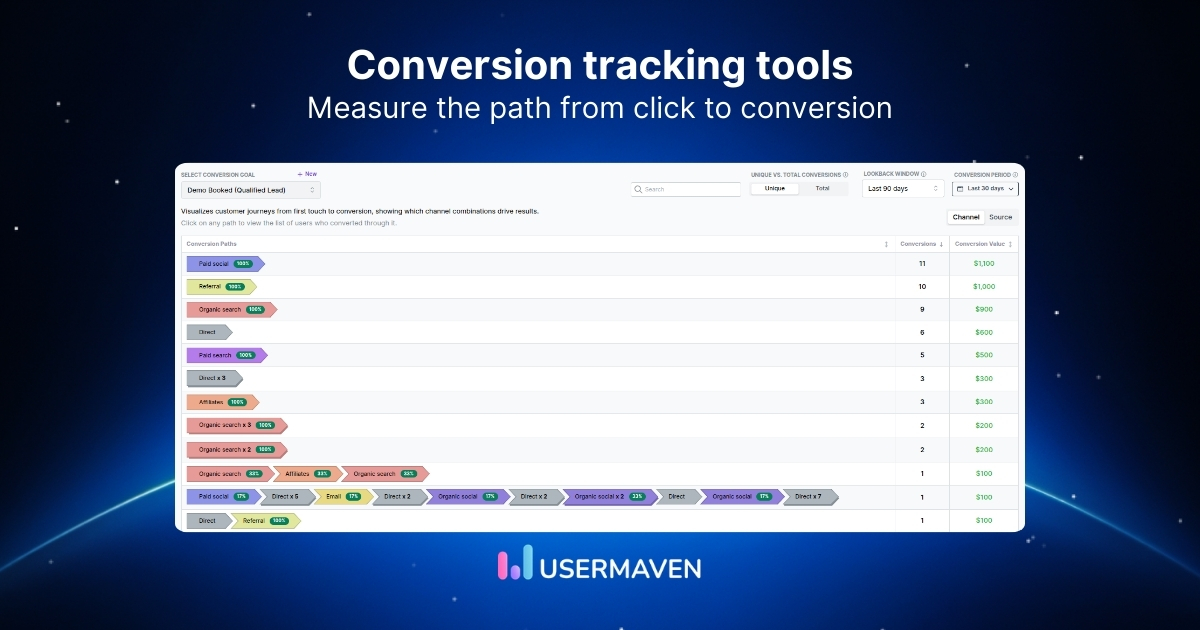
Traffic is easy to report on. Conversions are what make it matter.
Conversion tracking tools help you see what happens after the click. Which channel brought the visitor in, what they did next, and whether that visit turned into something valuable.
That matters because better tracking leads to better optimization. And better optimization is usually where real growth starts.
Let’s walk through the top conversion tracking tools, what each one does best, and how to choose the right fit for your business.
What are conversion tracking tools?
Conversion tracking tools show you what happens after the click.
A visit on its own does not say much. These tools show whether someone actually completed your conversion goals, like starting a trial, requesting a demo, subscribing, or buying.
They also make the conversion path easier to understand. Instead of treating every touchpoint like a single moment, you can see the steps before it, the pages involved, and where the conversion funnel starts to lose people.
That is the real value. You are not just counting outcomes. You are seeing how those outcomes happen, which journeys are worth more attention, and where your tracking is too thin to support good decisions.
Top conversion tracking tools to consider
The right tool depends on what you need to track, how deep you need to go, and how much setup you can take on.
To make things easier to compare, here’s a side-by-side comparison of the top conversion tracking tools.
| Tool | Primary focus | Best for | Pricing model |
| Usermaven | Attribution and conversion analytics | Marketing and growth teams | Paid plans start at $84/month |
| Google Analytics | Website analytics | Google ecosystem users | Free plan, with enterprise pricing on request |
| Matomo | Privacy-first web analytics | Privacy-conscious teams | Paid plans start at €22/month, with enterprise pricing on request |
| Mixpanel | Product and behavior analytics | Product-led teams | Free plan with limited capabilities, paid pricing scales with usage |
| Attribution | Multi-touch attribution | B2B and sales-led teams | Starts at $399/month, with custom enterprise pricing |
| HubSpot | CRM-linked conversion reporting | CRM-driven teams | Seat-based pricing starting at $20/month per seat |
| Kissmetrics | Behavioral conversion analytics | Lifecycle-focused teams | Starts at $99/month, with pricing tied to event volume |
| Supermetrics | Reporting and data consolidation | Multi-tool reporting teams | Free plan with limited capabilities, paid plans start at $37/month |
| Adobe Analytics | Enterprise digital analytics | Large enterprises | Custom pricing through sales |
| Hyros | Paid media attribution | Paid acquisition teams | Starts at $353/month, with pricing tied to tracked revenue |
| Triple Whale | Ecommerce attribution | Ecommerce brands | Free plan with limited capabilities, paid plans start at $149/month |
| Ruler Analytics | Lead-to-revenue attribution | Lead gen and sales teams | Starts at £179/month, with higher-tier custom pricing |
| Cometly | Ad attribution and reporting | Paid media teams | Custom pricing through sales |
| Improvely | Conversion tracking and fraud monitoring | Marketers and agencies | Starts at $29/month, with pricing tied to tracked visits |
| Unbounce | Landing page optimization | CRO and landing page teams | Paid plans start at $29/month, with higher-tier sales plans |
1. Usermaven
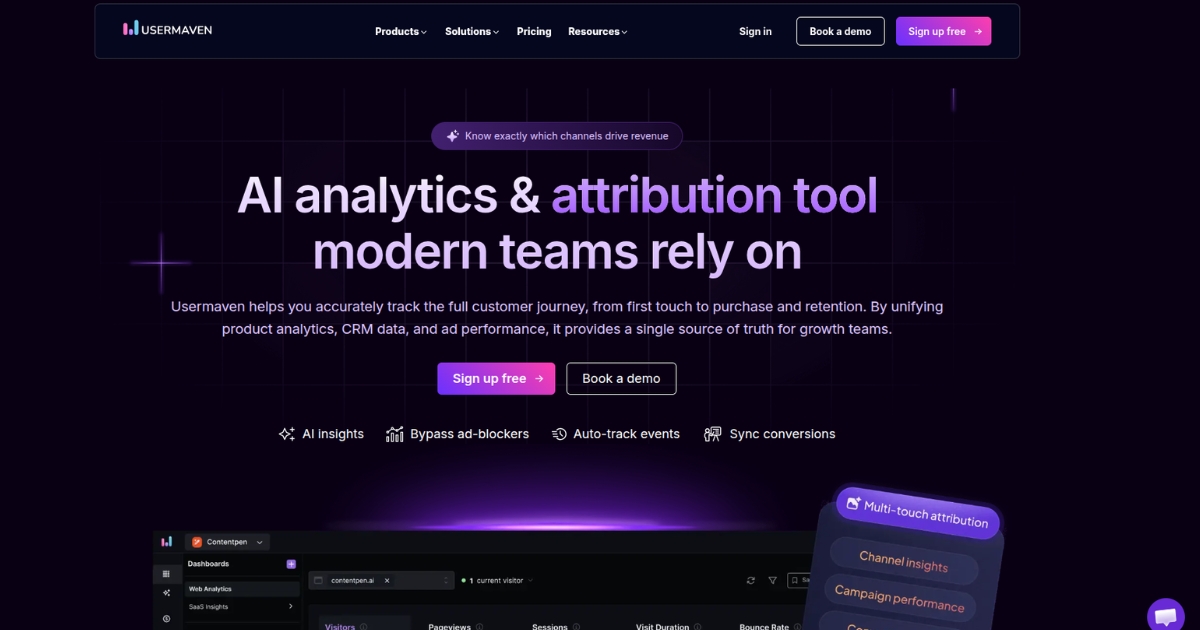
Usermaven is an AI-powered analytics and attribution platform built to help teams track the full customer journey, from first touch to conversion and beyond. It brings marketing, product, CRM, and ad data into one place, which makes conversion tracking easier to trust and easier to act on.
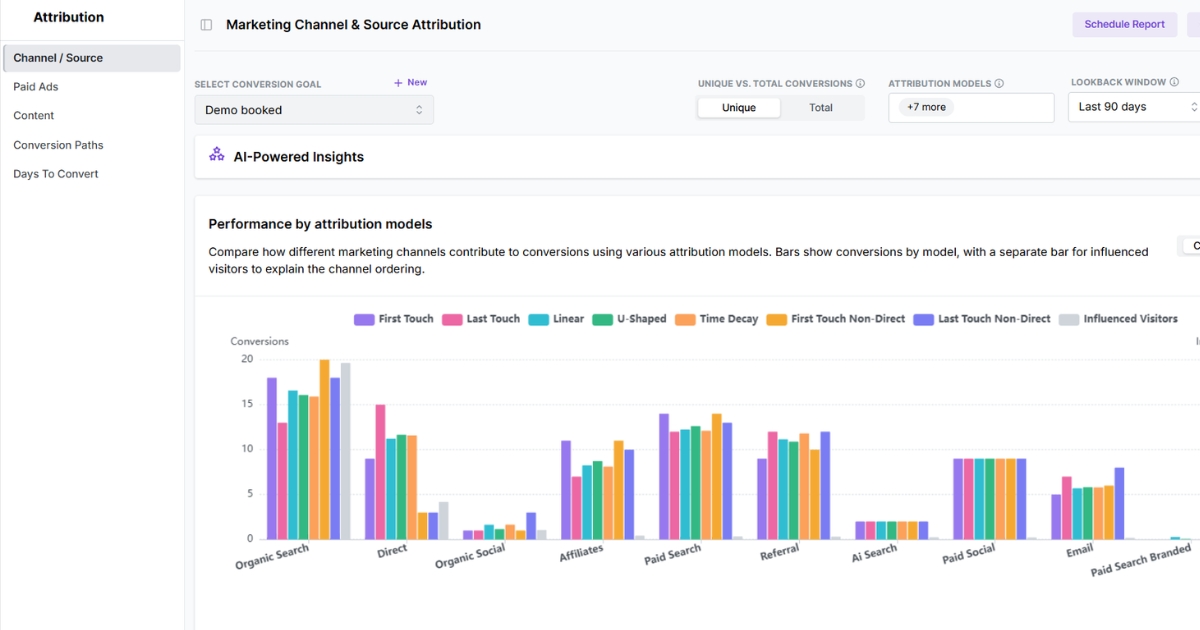
What makes it stand out as a conversion tracking tool is the depth. You can define conversion goals, analyze conversion paths, compare attribution models, and see which channels, campaigns, and content actually influence results instead of just generating traffic.
Key features:
- No-code event tracking makes it easier to track important actions without leaning heavily on developer time
- Revenue attribution connects conversions and revenue back to the campaigns, channels, and touchpoints that helped create them
- Multi-touch attribution software with models like first-touch, last-touch, linear, U-shaped, and time decay
- Paid search attribution helps you measure how platforms like Google Ads, Meta Ads, and LinkedIn Ads influence conversions
- Conversion funnel optimization helps you see where people drop off, which steps create friction, and where the path to conversion needs work
- AI-powered insights that surface patterns in user journeys and attribution data
- Real-time dashboards combine website and product analytics to show how user behavior connects to conversion outcomes as it happens
Best for: Marketing and growth teams that want conversion tracking, marketing attribution, and analytics in one platform without stitching together multiple tools.
Pricing: Paid plans start at $84/month, with higher-tier plans starting at $199/month and custom Enterprise pricing available. A 14-day free trial is also included, and you can save 15% on yearly billing.
[contacts_hub_v2]
2. Google Analytics

Google Analytics is a web analytics platform used to track site activity, traffic sources, and conversion events. It is usually part of a broader reporting setup centered on website performance and acquisition data.
It usually fits best when website measurement is the main priority and the wider setup already leans on Google products. Many teams use it alongside other tools when they want more attribution depth or CRM context.
Key features:
- Tracks website events and defined conversion actions
- Shows where traffic and conversions come from
- Builds audience segments for deeper analysis
- Reports on user activity across devices
- Connects easily with other Google products
Best for: Teams that want website conversion reporting inside the Google ecosystem.
Pricing: Google Analytics is free. Google Analytics 360 pricing is not publicly available and requires contacting sales.
3. Matomo
Matomo is a web analytics platform built around privacy, data ownership, and deployment flexibility. It is often considered by teams that want more control over how analytics data is stored and managed.
It covers goals, funnels, ecommerce, and attribution reporting, while also offering self-hosted and cloud options. That makes it a different kind of fit from tools that are fully SaaS from the start.
Key features:
- Tracks goals and completed conversion actions
- Shows funnel performance across key steps
- Measures ecommerce activity and purchase behavior
- Reports on channel and campaign attribution
- Supports both cloud and self-hosted deployment
Best for: Teams that want website conversion tracking with more privacy and hosting control.
Pricing: Matomo Cloud starts at €22/month. Enterprise pricing is not publicly available and requires contacting sales.
4. Mixpanel
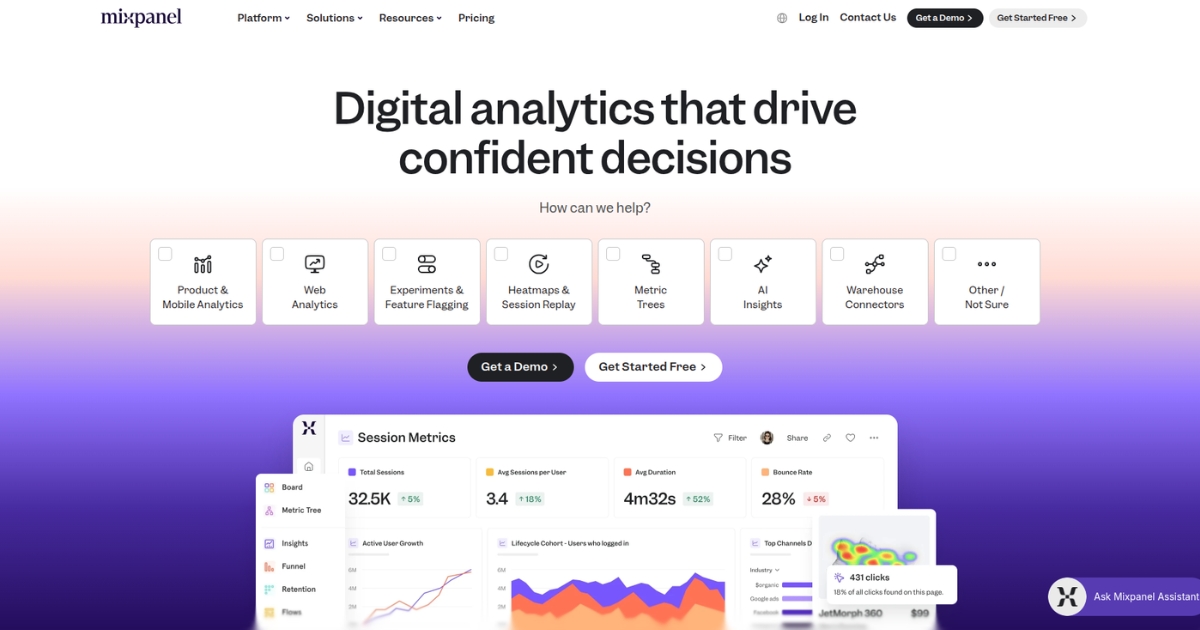
Mixpanel is an event-based analytics platform centered on user behavior across products and digital journeys. It is usually used when teams want to measure how people move through steps, flows, and key actions.
It tends to be a better fit when conversion analysis depends on event instrumentation and product-side behavior. That usually makes it more relevant for product-led teams than for channel-first reporting.
Key features:
- Tracks user actions across products and journeys
- Builds funnels around key conversion steps
- Measures retention after important user actions
- Shows how users move through flows
- Includes session replay for journey analysis
Best for: Product-led teams that want conversion analysis tied to user behavior.
Pricing: Mixpanel offers a free plan with limited capabilities. Paid pricing is usage-based.
5. Attribution
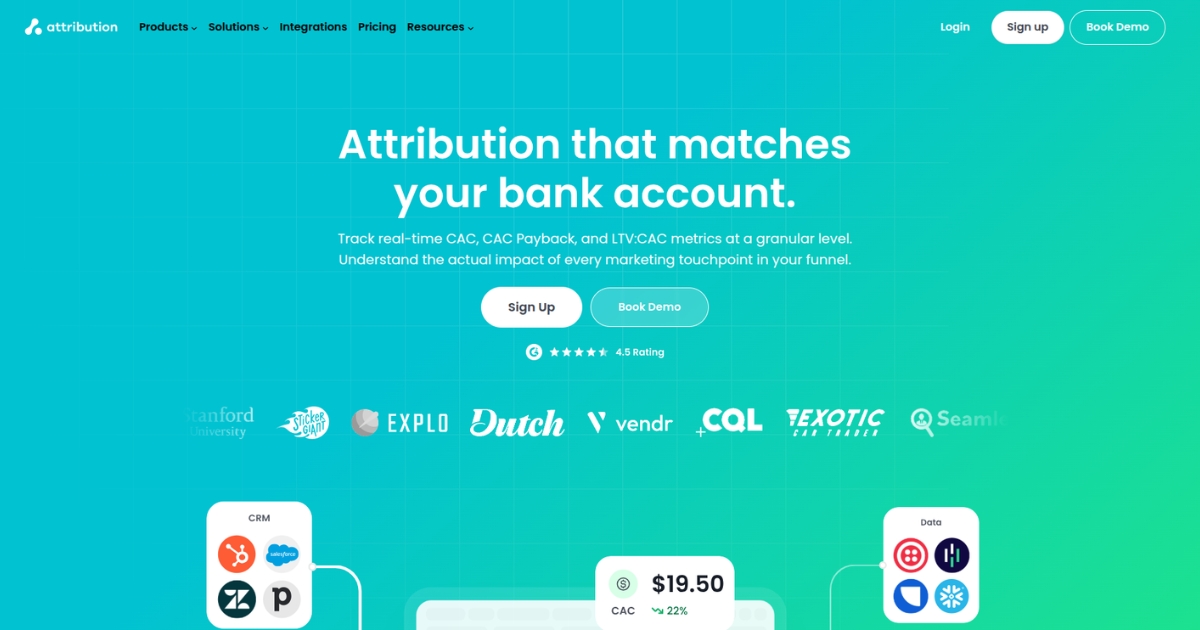
Attribution is a multi-touch attribution platform focused on showing how channels and campaigns contribute across the funnel. It is built more around credit assignment and revenue mapping than general analytics reporting.
It is usually used when the main question is which touchpoints influenced the pipeline or revenue over a longer journey. The fit is strongest when teams already have the surrounding CRM and campaign data in place.
Key features:
- Tracks conversions across multiple touchpoints
- Connects revenue back to marketing channels
- Maps performance across the full funnel
- Compares different attribution models side by side
- Supports reporting tied to CRM data
Best for: B2B and sales-led teams that need attribution across pipeline and revenue stages.
Pricing: Starts at $399/month for the Pro plan, while larger teams with more custom attribution needs will need to contact sales for Enterprise pricing.
6. HubSpot Marketing Hub
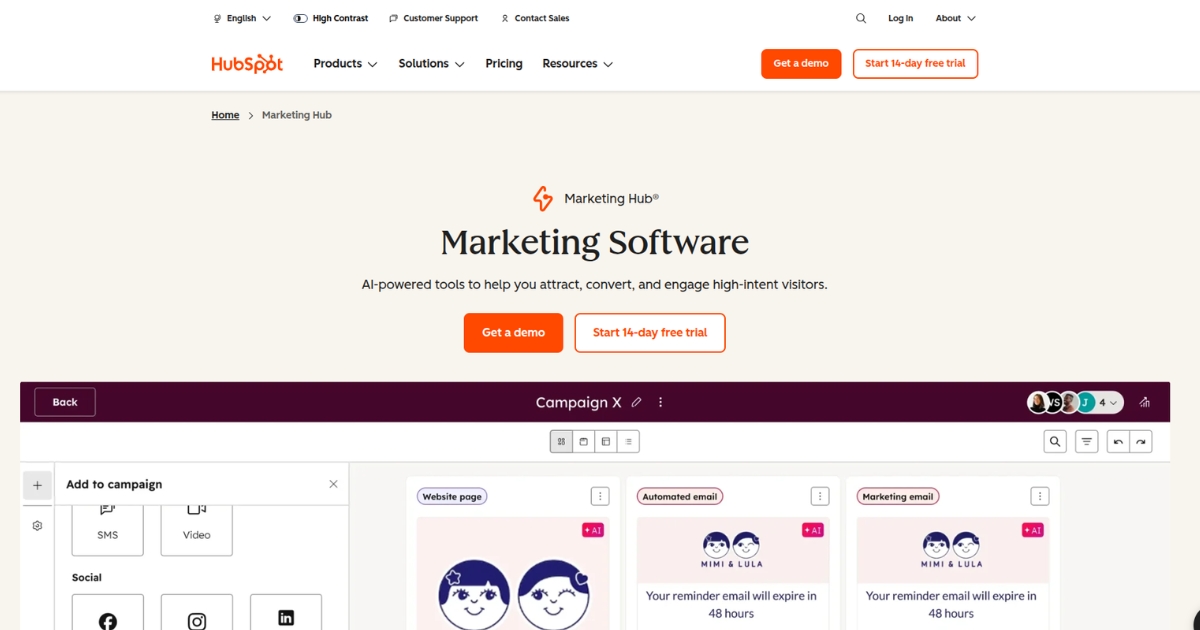
HubSpot Marketing Hub combines marketing, CRM, automation, and reporting in one platform. That means conversion data usually sits alongside contacts, campaigns, and deal activity rather than in a standalone analytics setup.
It tends to make the most sense for teams already operating inside HubSpot. In that environment, conversion reporting becomes part of a broader lead and revenue workflow.
Key features:
- Connects conversions to contacts and deals
- Reports on attribution across marketing touchpoints
- Tracks customer journeys across funnel stages
- Ties campaign activity to CRM records
- Includes automation within the same platform
Best for: Teams that want conversion tracking closely tied to CRM activity and deal stages.
Pricing: Marketing Hub Starter starts at $20/month per seat, Professional starts at $890/month, and Enterprise starts at $3,600/month.
7. Kissmetrics
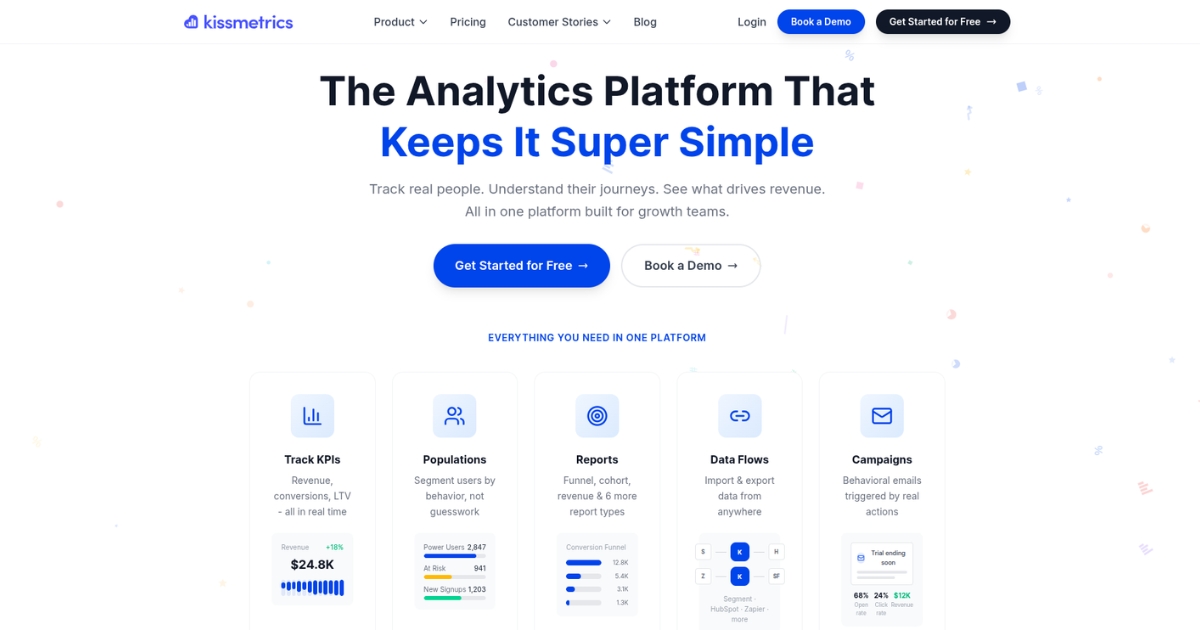
Kissmetrics is a behavioral analytics platform focused on user-level tracking, funnels, cohorts, and revenue paths. It is built around understanding how people move through journeys over time.
Its framing is more behavior-first than channel-first, so it usually fits teams that want to understand user movement, purchases, and retention in more detail.
Key features:
- Tracks user behavior across the full journey
- Builds funnel reports around conversion milestones
- Groups users into cohorts for analysis
- Connects actions to revenue over time
- Monitors performance through custom dashboards
Best for: Teams that want conversion analysis centered on user behavior and lifecycle movement.
Pricing: Starts at $99/month, with pricing increasing based on your event volume. For higher-volume plans or Enterprise needs, you’ll need to talk to sales.
8. Supermetrics
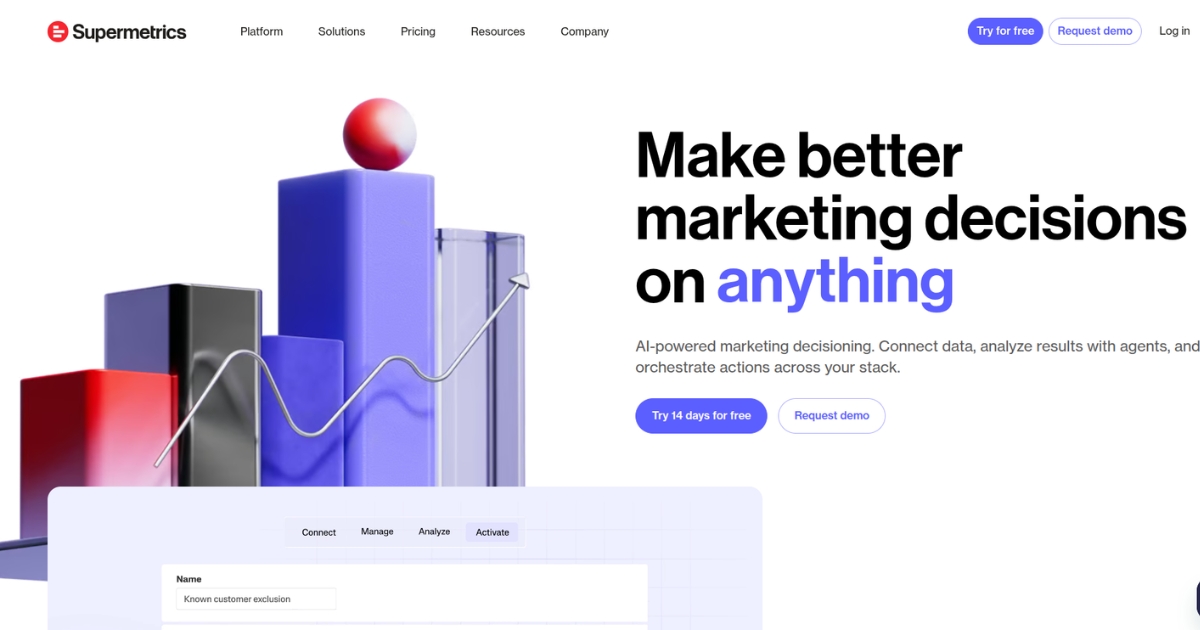
Supermetrics is mainly a data movement and reporting platform. Instead of collecting conversion events directly, it pulls data from ad platforms, analytics tools, and other sources into reporting destinations.
That makes it more of a reporting layer than a native tracking tool. It is usually chosen when teams already track conversions elsewhere and want to bring the data together in one place.
Key features:
- Pulls conversion data from multiple platforms
- Sends data into dashboards and spreadsheets
- Refreshes reports on a set schedule
- Supports custom imports from other sources
- Offers API access for reporting workflows
Best for: Teams that want to centralize conversion data from multiple platforms.
Pricing: Starter starts at $37/month, Growth starts at $199/month, and Pro starts at $499/month. Enterprise pricing requires contacting sales.
9. Adobe Analytics
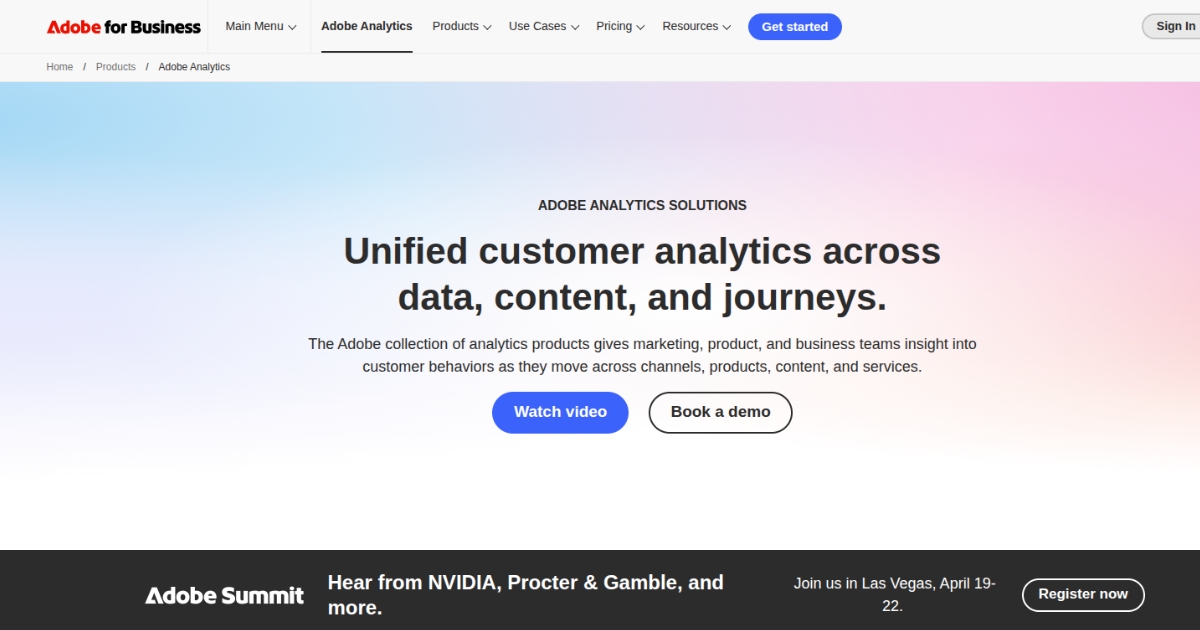
Adobe Analytics is an enterprise analytics product built for larger-scale digital measurement and reporting. It sits within a broader Adobe ecosystem that can cover web, mobile, content, and customer journey analysis.
It usually comes into the picture when reporting needs extend beyond straightforward website conversion measurement. The fit is generally strongest for organizations already working across Adobe products.
Key features:
- Measures digital activity across web and mobile
- Builds custom reports for deeper analysis
- Supports customer journey reporting at scale
- Extends into product and content analytics
- Connects with the wider Adobe ecosystem
Best for: Enterprises that need analytics across large digital properties and Adobe workflows.
Pricing: Not publicly available and requires contacting sales.
10. Hyros
Hyros is an ad tracking and attribution platform centered on paid acquisition and revenue reporting. Its setup is closely tied to feeding cleaner conversion data back into ad platforms.
It is mostly geared toward paid media measurement rather than broader analytics or website reporting. That makes it a narrower fit when advertising is the main area being optimized.
Key features:
- Tracks conversions tied to paid campaigns
- Connects revenue and LTV to ad performance
- Reports on customer journeys from click to sale
- Sends conversion data back to ad platforms
- Includes integrations and API access
Best for: Paid media teams that want conversion tracking tied closely to ad attribution and revenue outcomes.
Pricing: Starts at $353/month on the business plan for up to $40k in tracked monthly revenue, with pricing increasing as tracked revenue grows.
11. Triple Whale
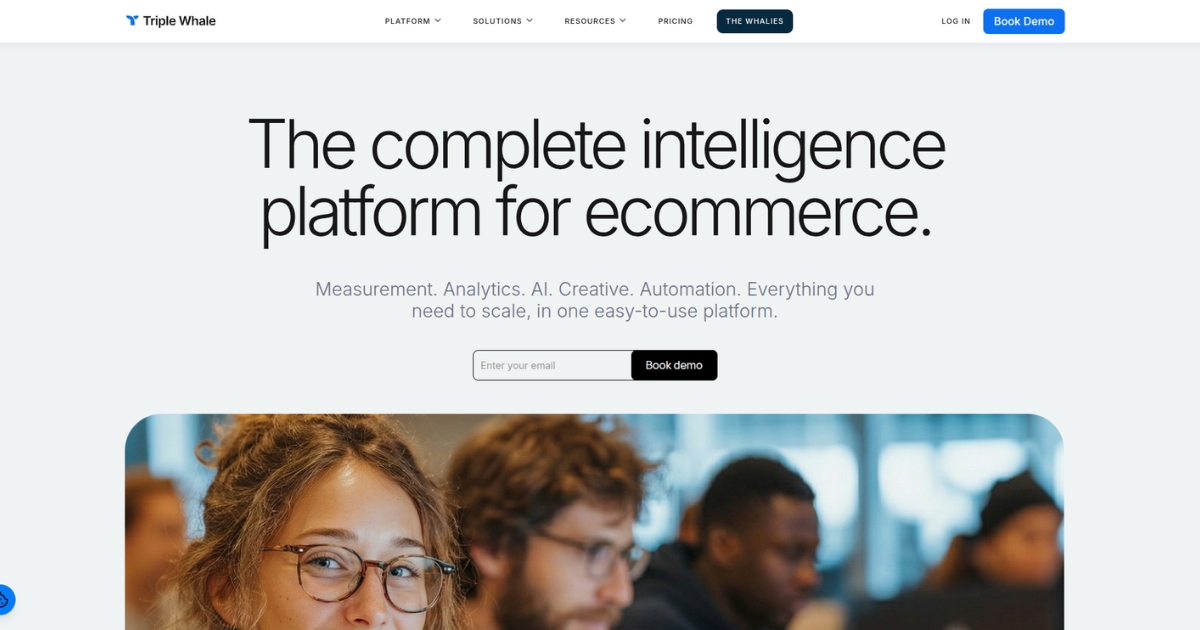
Triple Whale is a measurement and attribution platform built mainly for ecommerce brands. It combines first-party tracking, store reporting, and paid media analysis around retail performance.
Its fit is naturally strongest in ecommerce environments where purchases, revenue, and acquisition efficiency are the core reporting needs. Outside that context, the setup is more specialized.
Key features:
- Uses first-party tracking for conversion reporting
- Measures attribution across key acquisition channels
- Shows store performance in real time
- Connects customer identity across touchpoints
- Includes AI-based analysis inside the platform
Best for: Ecommerce brands that want conversion tracking built around store and paid acquisition performance.
Pricing: Free plan is available with more limitations, while paid plans start at $149/month for Starter and $219/month for Advanced. Pricing also varies by revenue tier.
12. Ruler Analytics
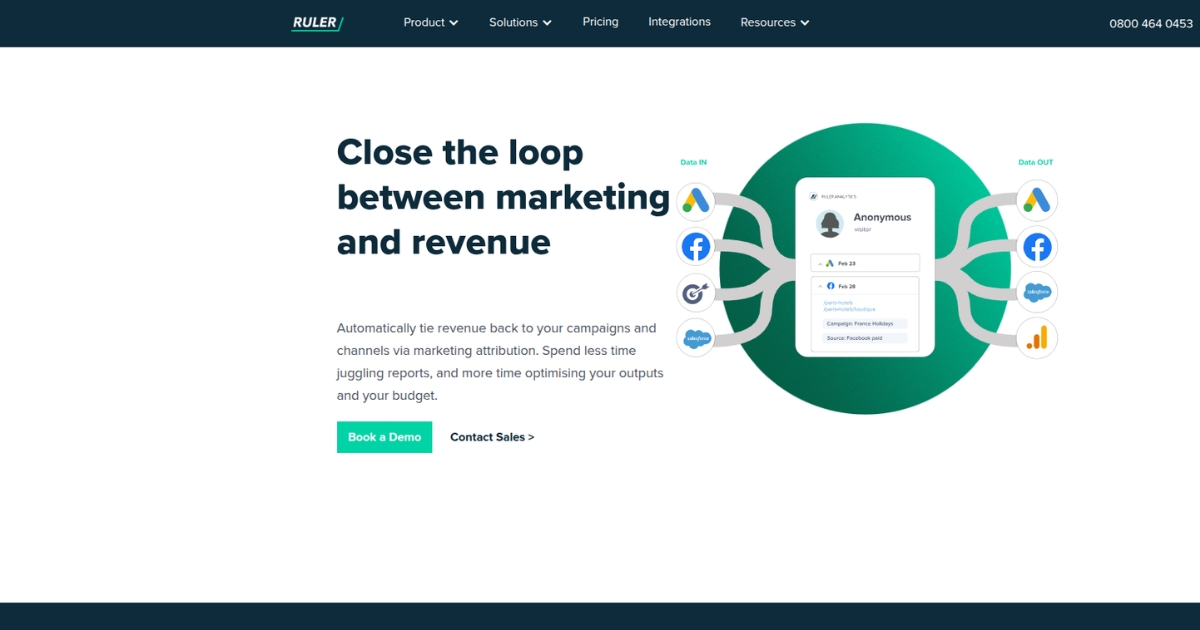
Ruler Analytics is a marketing measurement and attribution platform built to connect leads and revenue back to marketing sources. It tracks journeys across forms, calls, live chat, and CRM-linked activity.
It is often used when conversions happen across both online and offline touchpoints. That makes it a different fit from tools focused mainly on website sessions or product behavior.
Key features:
- Tracks conversions across multiple touchpoints
- Connects lead activity back to revenue
- Measures form submissions and lead sources
- Includes call tracking within attribution reporting
- Tracks live chat within the customer journey
Best for: Businesses that want to connect lead capture and revenue back to marketing sources in more detail.
Pricing: Starts at £179/month for Small Business, £584/month for Medium Business, and £999/month for Large Business. Advanced pricing requires contacting sales.
13. Cometly
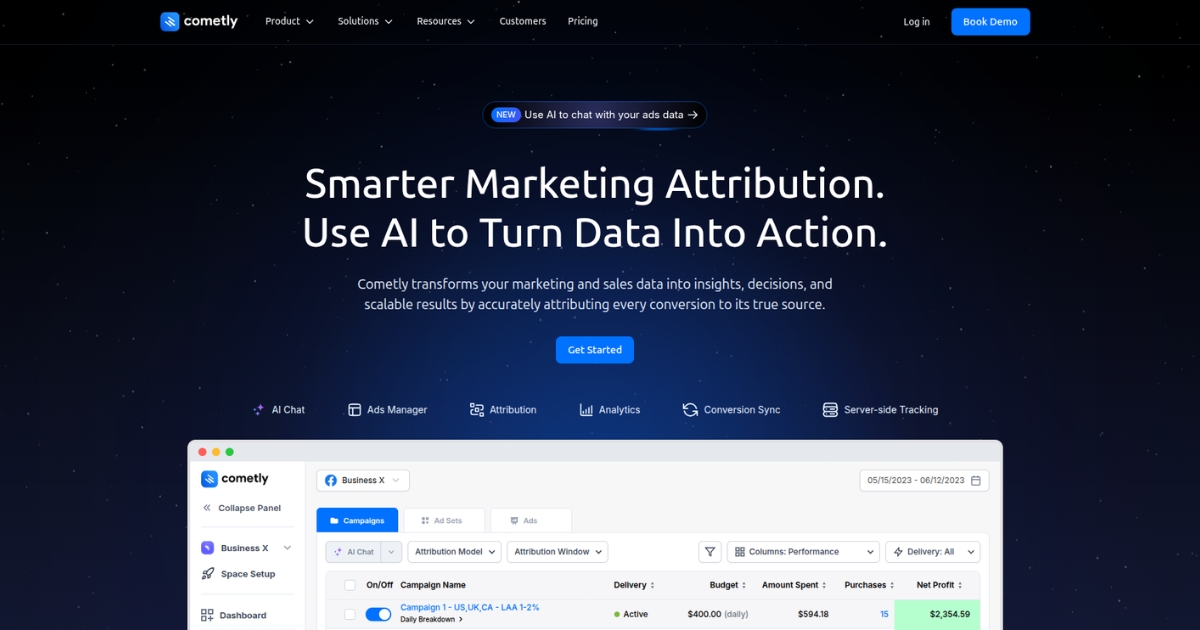
Cometly is a marketing attribution platform built around ad performance, revenue attribution, and customer journey tracking. Its positioning is closely tied to paid media measurement, server-side tracking, and sending enriched conversion data back to ad platforms.
It usually fits best when attribution and ad reporting are the main priority. Since pricing is custom and the platform is sold through demos, it tends to be evaluated more as a dedicated attribution system than as a lightweight self-serve tracking tool.
Key features:
- Tracks multi-touch attribution across the customer journey
- Connects revenue back to campaigns and channels
- Uses server-side tracking to improve data capture
- Feeds conversion data back to Meta, Google, and TikTok
- Includes analytics and ad performance reporting
Best for: Teams that want attribution and ad performance reporting tied closely to paid media.
Pricing: Does not list public plan prices, so you need to contact sales for a quote.
14. Improvely
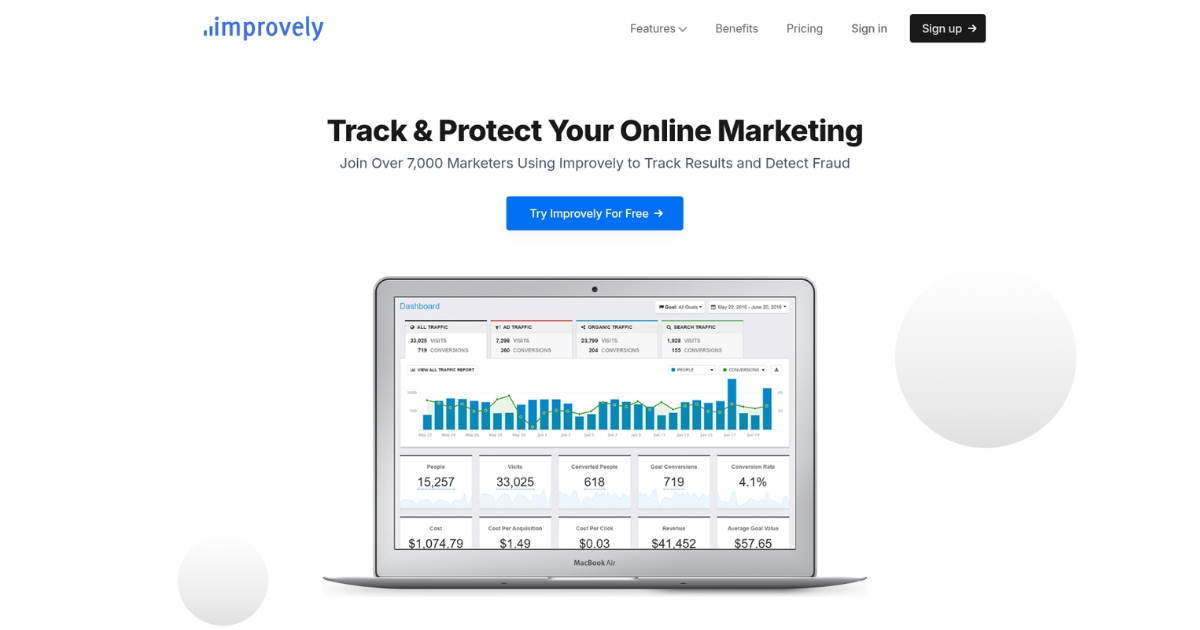
Improvely is a conversion tracking tool focused on visits, conversions, click fraud monitoring, and tracking links across campaigns. It also includes A/B split testing and visitor-level activity profiles, which makes it more campaign-focused than a general analytics platform.
Its structure is fairly straightforward, but pricing scales with tracked visits and team size. Higher tiers add agency-oriented features like sub-accounts and white-label reporting, so the setup starts to shift as reporting needs grow.
Key features:
- Tracks visits and conversions across traffic sources
- Monitors clicks for suspicious or fraudulent activity
- Builds tracking links for campaigns and placements
- Supports A/B split testing between landing pages
- Creates visitor activity profiles and funnel views
Best for: Marketers and agencies that want conversion tracking with click fraud monitoring built in.
Pricing: Starts at $29/month for 10,000 tracked visits, then moves to $79/month, $149/month, and $299+/month as visit limits and team access increase.
15. Unbounce
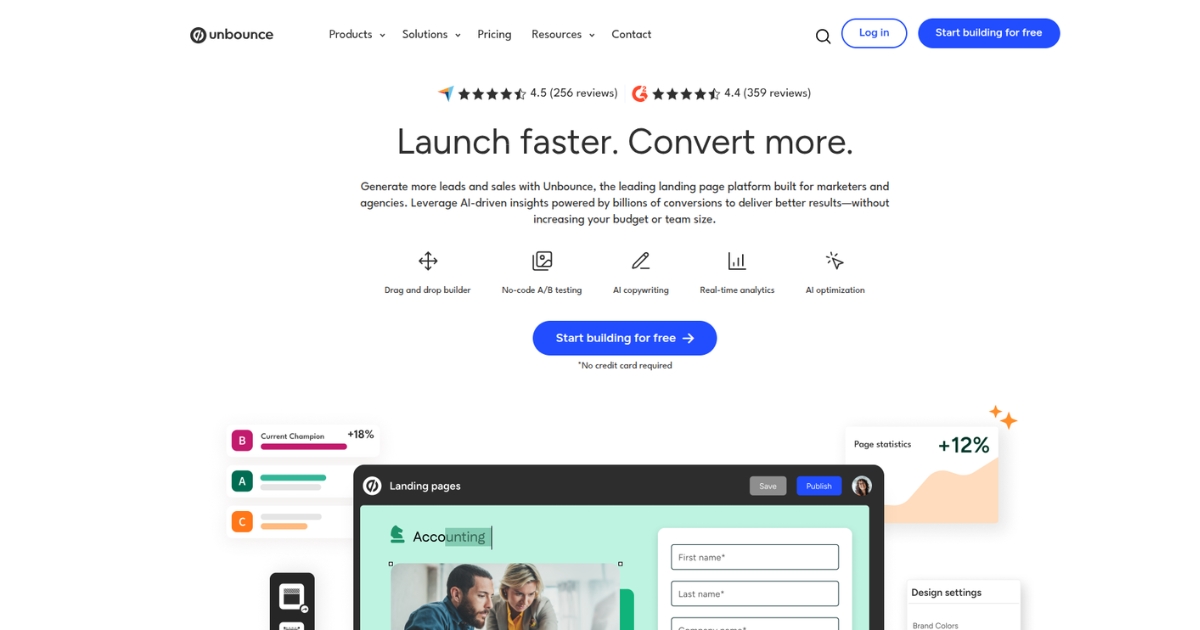
Unbounce is a landing page and CRO platform built for creating, testing, and optimizing landing pages. Its conversion focus comes through page building, A/B testing, Smart Traffic, popups, sticky bars, and conversion reporting rather than broader attribution or multi-source analytics.
It makes the most sense when landing pages are the center of the conversion workflow. Plan limits around traffic, users, and domains shape how far each tier goes, so pricing tends to rise as campaign volume and testing needs expand.
Key features:
- Builds landing pages with a drag-and-drop editor
- Runs A/B tests on page variants
- Uses Smart Traffic to route visitors to the likely best-match variants
- Includes popups and sticky bars on paid plans
- Provides conversion insights and reporting on higher tiers
Best for: Teams that want to improve conversions through landing page creation, testing, and on-page optimization.
Pricing: Paid plans start at $29/month and increase to $249/month, with limits on traffic, users, and domains varying by plan. Concierge and Agency pricing require contacting sales.
How to choose the right conversion tracking tool
Here’s how to choose a tool that helps you track what matters and improve what is underperforming.
1. Start with the conversion
Before you compare tools, define the action you actually care about.
That could be:
- A purchase
- A demo request
- A booked call
- A trial signup
- A qualified lead
If that part is unclear, the tool will not solve the problem. Good tracking starts with a clear definition of what success looks like.
2. Match the tool to your conversion path
Some teams need simple website tracking. Others need to see a longer conversion path across multiple visits, touchpoints, or channels.
That is where the difference starts to matter. A short path needs basic visibility. A more layered path usually needs multi-channel attribution, journey mapping, or funnel analysis.
3. Know which metrics you actually need
Not every team needs the same level of reporting.
Some only need core conversion metrics like:
- Conversion rate
- Cost per conversion
- Conversion value
- Funnel drop-off rate
- Revenue by channel
Others need more context around attribution, assisted conversions, or customer journeys.
The best tool is usually the one that gives you the right level of visibility without burying you in reports you will never use.
Related: Top conversion rate optimization tools
4. Validate the setup
A tool can look polished in a demo and still become a burden once implementation starts.
Pay attention to how much setup it needs, how events are tracked, whether developer support is required, and how easy it is to keep data clean as your site, product, or campaigns change.
The easier it is to maintain, the more likely your reporting stays reliable.
5. Optimize performance
Tracking the final action is useful. Seeing where performance breaks down is more useful.
The right tool should help you spot:
- Where users drop off
- Which steps create friction
- Which channels bring better traffic
- Which pages support higher conversion intent
That is what makes optimizing conversion funnel performance easier over time.
Wrapping up
Conversion tracking only matters if it gives you the confidence to double down on what works and cut what doesn’t. Without a reliable way to connect every signup back to its source, decisions start leaning on partial data, scattered reports, and guesswork.
That is exactly what Usermaven is built to fix. As a powerful marketing attribution tool, it connects the full path from first touch to conversion, so you can see which campaigns, channels, and touchpoints are actually creating results.
Want to stop wondering which campaigns are actually paying for themselves and finally see the true ROI of every dollar you spend?
Start a free trial or book a demo to see how Usermaven gives you full clarity over your conversions.