A stronger understanding of user behavior can set a business apart from competitors. When you know what visitors click, how they navigate your pages, or which features they interact with most, you can make better decisions for your product and marketing strategies. This deeper perspective on user actions is exactly what behavioral analytics software provides, and it has become a vital resource for data-driven teams.
Below, we explore the core features you should look for in behavioral analytics platforms, along with a breakdown of the best options available. We also provide guidance on how to pick the most fitting tool for your team’s needs. By the end, you will have a clear picture of how to leverage user actions for meaningful outcomes.
What is behavioral analytics software, and why does it matter?
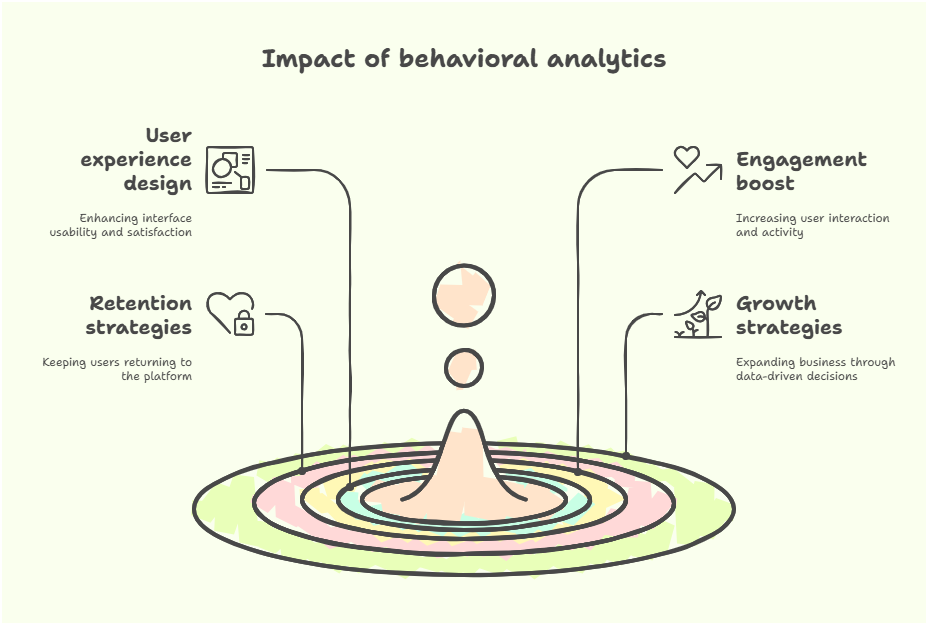
Behavioral analytics software tracks how individuals interact with websites, mobile apps, and products. Behavioral analytics digs into specific activities instead of looking solely at broader metrics, such as total page views. These activities can include hover patterns, clicks on certain features, or the sequence of screens someone visits. By analyzing those details, businesses can refine user experience design, boost engagement, and fortify retention strategies. Especially in industries like ecommerce software development, behavioral analytics plays a critical role in understanding customer journeys, reducing cart abandonment, and optimizing overall sales funnels.
You might find yourself asking:
“Why not just rely on simple metrics like sessions or bounce rate?”
Those simpler measurements are helpful for understanding big-picture trends, but they often hide nuances that matter when you want to improve the way people use your site or application through user behavior tracking.
Behavioral analytics also influences growth strategies. Some teams adjust pricing based on usage data, while others learn which features drive repeat engagement. This type of analysis has become extremely important in a competitive environment where customization and user satisfaction can dictate success or failure.
As an example, game developers often rely on event tracking and user flow mapping to identify the levels or challenges that lead to player drop-off. By making targeted improvements, they retain more players. The same logic applies in e-commerce, software-as-a-service (SaaS), and nearly every digital business model.
Behavioral analytics matters because it helps you pinpoint actual user behaviors rather than relying on assumptions. People may say they prefer one layout, but their actions could suggest otherwise. When data guides you, your odds of making the right choices increase dramatically. This same data also guides personalization efforts, making it possible to present the right offer or message at the right time, which is valuable for both user satisfaction and revenue growth.
Essential features of behavioral analytics software
Many platforms track user data, but not all can turn raw numbers into clear, actionable insights. In order to add remarkably better user experiences and support effective decision-making, a behavioral analytics tool typically offers two buckets of features: core analytics capabilities and visualization/reporting tools.
Core analytics capabilities
- Event tracking and user flow mapping through event tracking tools. A strong tool automatically or easily captures every meaningful action, from button clicks to form submissions. Along with capturing these actions, it is equally valuable to visualize paths across your product. This helps you see where users naturally progress or where they stall. If certain pages typically lead to a quick drop-off, you know to investigate those areas first.
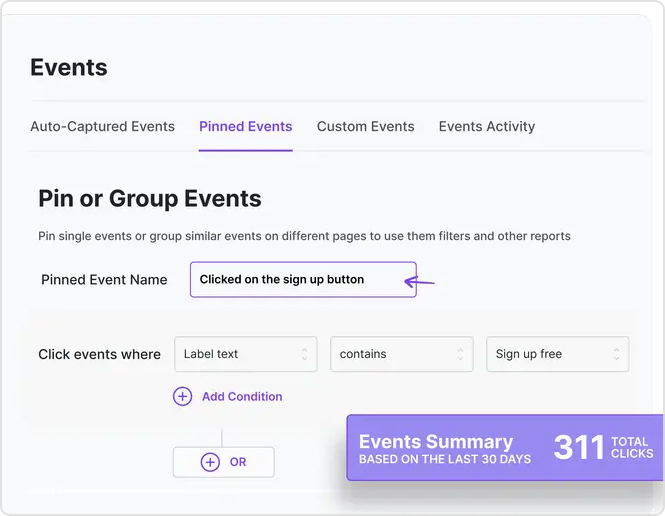
- Funnel analysis and conversion tracking. The funnel concept remains central to most business models. A funnel analysis reveals the steps that get people closer to a purchase, signup, or another goal through conversion path analysis. It shows you where people exit that flow and helps you figure out where to refine your process. Maybe a certain step is too complicated, or a specific page has confusing wording that causes users to leave.
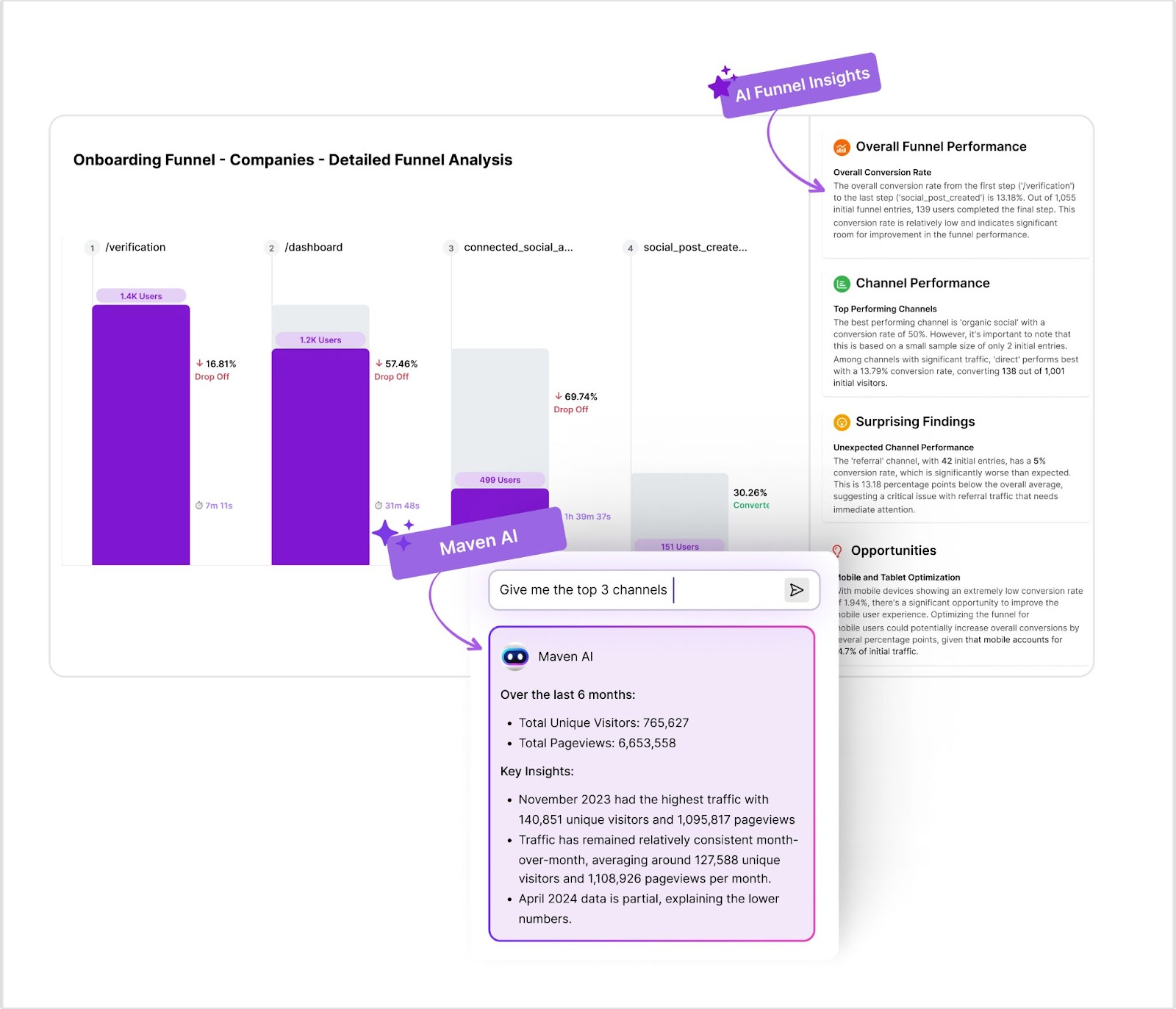
- Cohort analysis and segmentation. Grouping users by shared characteristics or behaviors fosters a nuanced perspective. For instance, a cohort might be “first-time visitors who signed up within a week.” By analyzing these segments over time, you can see whether specific changes impact the behaviors of different user groups. This helps you customize marketing strategies or feature updates to specific audience needs.
Visualization and reporting tools
Solid analytics gathering is only half the equation. How you visualize and share that data determines whether your insights become part of everyday optimization efforts or fade into the background. Useful visualization and reporting capabilities highlight possible next steps and keep your team aligned.
- Heatmaps and session recordings. Heatmaps show “hotspots” where clicks or scrolls concentrate. This visual snapshot helps you judge whether critical elements stand out or get overlooked. Session recordings go deeper, replaying actual user sessions. If you spot a recurring pattern of confusion, you can adapt your design to counteract that issue. This mix of quantitative and qualitative feedback makes decision-making clearer.
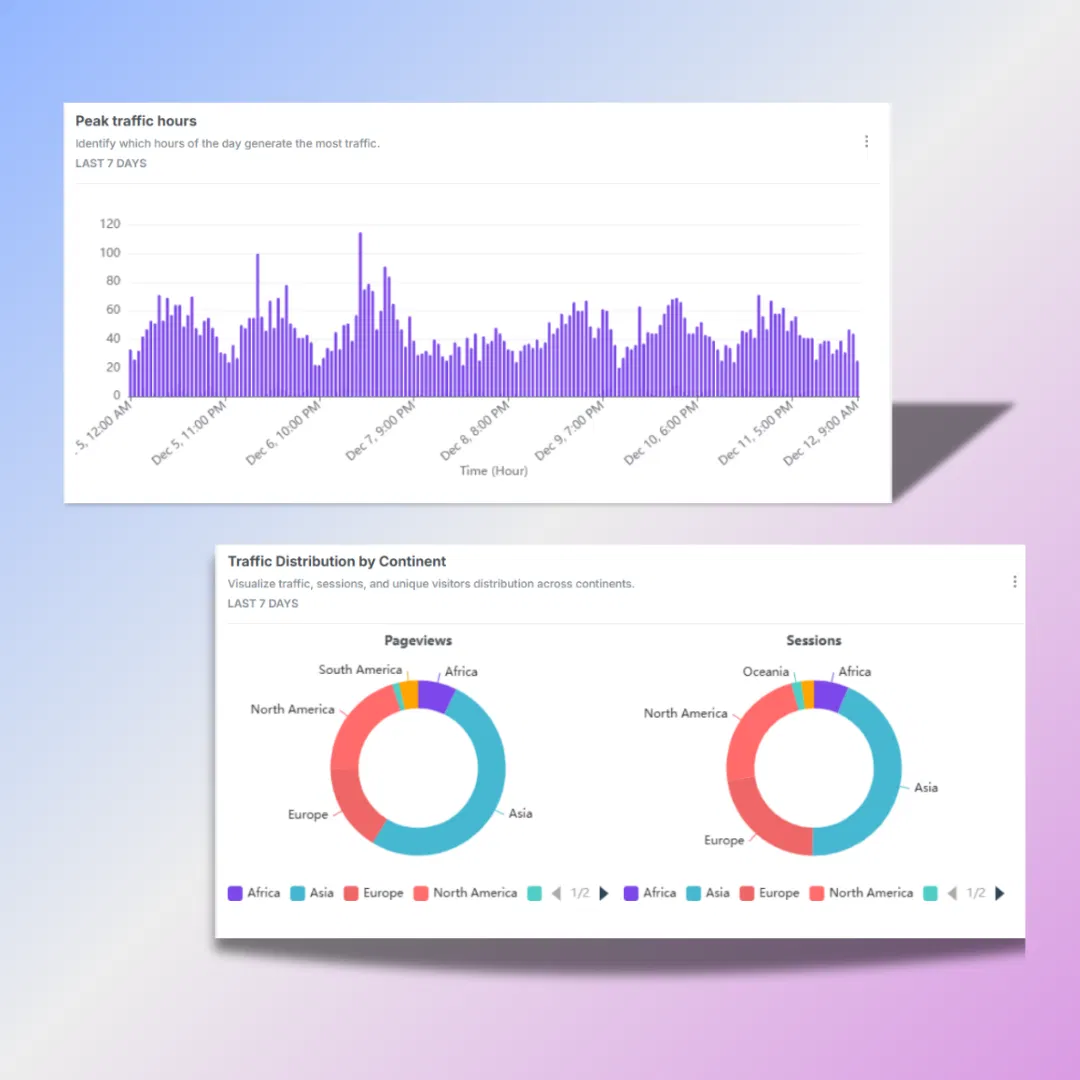
- Custom dashboards and real-time analytics. Different stakeholders need different product metrics right away. A dashboard you can shape to your team’s needs results in streamlined monitoring. Real-time analytics also alert you to sudden changes. Perhaps a new marketing campaign triggers an unexpected surge in traffic. Having live data at your fingertips means you can react quickly, diagnose problems, or celebrate wins as soon as they happen.
- Data export and integration features. Your analytics program rarely operates in isolation. When it connects seamlessly to your CRM, email marketing platforms or other services, you gain a fuller view of user behavior. You can also better coordinate multi-channel campaigns and unify data sets in a single location.
Top behavioral analytics tools for 2026
The behavioral analytics market features products addressing different business sizes and complexities. Some platforms cater to massive enterprises, while others focus on smaller companies or mid-market players. Below is an overview of tools worth exploring as 2026 approaches.
1. Usermaven
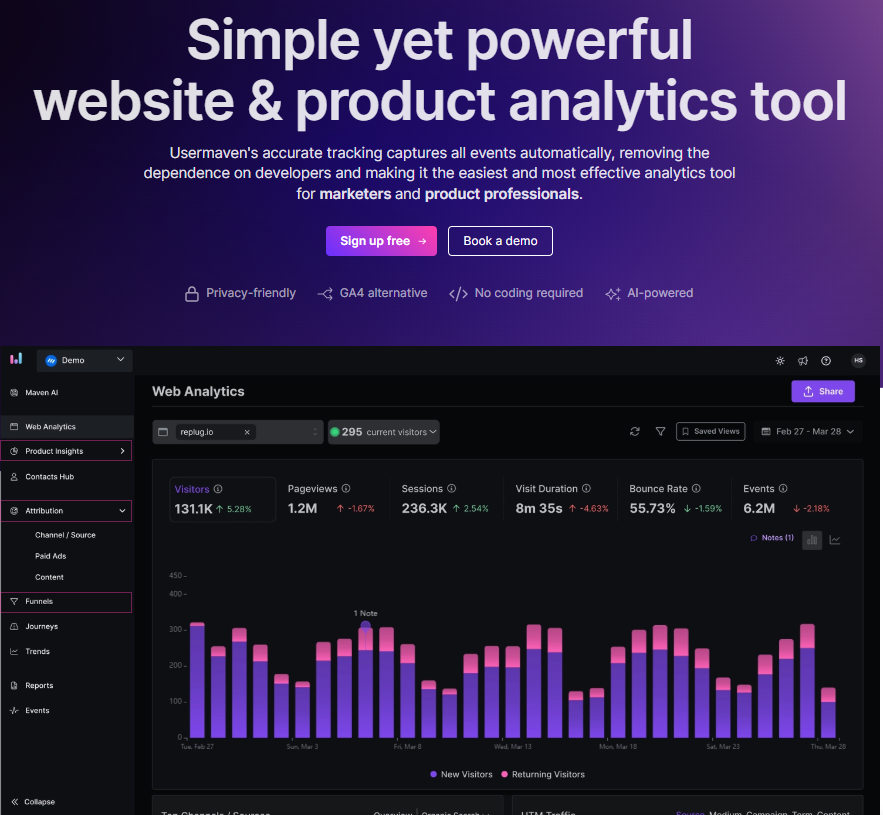
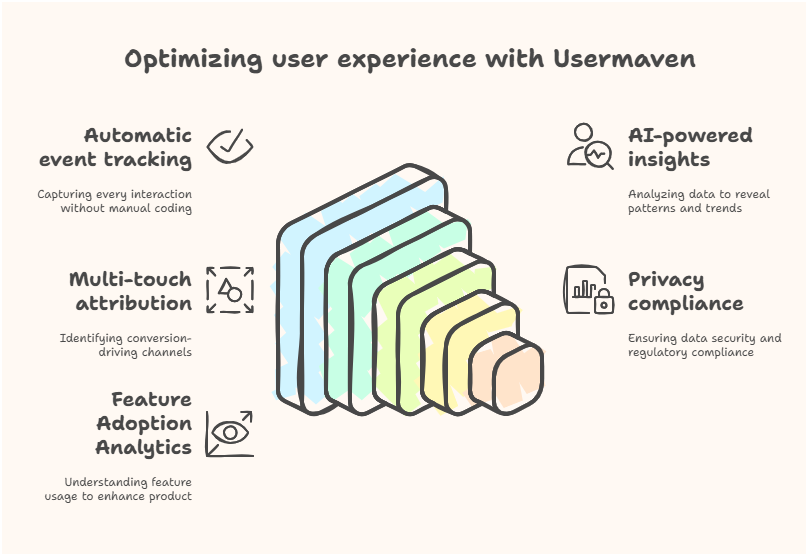
Usermaven is marketing attribution software that helps businesses understand how user behavior influences conversions and revenue. Its automatic event tracking eliminates the need for manual coding, saving valuable time and resources while capturing the touchpoints needed for accurate attribution and customer journey analysis.
Key features like AI-powered insights help teams uncover patterns, trends, and opportunities hidden within customer journeys. Combined with multi-touch attribution, Usermaven enables marketers to identify which channels, campaigns, and touchpoints are driving conversions and revenue, leading to more informed marketing decisions.
Usermaven helps businesses measure marketing performance while remaining aligned with modern privacy regulations. Its robust feature adoption analytics lets teams understand how users engage with products, while customizable trends reporting helps connect behavioral insights with broader attribution and growth objectives.
With seamless integration into popular systems, Usermaven provides a unified view of customer journeys across channels and touchpoints. The platform’s user-friendly interface makes attribution insights accessible even to non-technical teams, while robust customer support ensures smooth deployment for businesses of any size.
Together, these features make Usermaven a powerful tool for behavioral analytics, providing the actionable insights needed to optimize user experiences and drive business growth.
2. Mixpanel
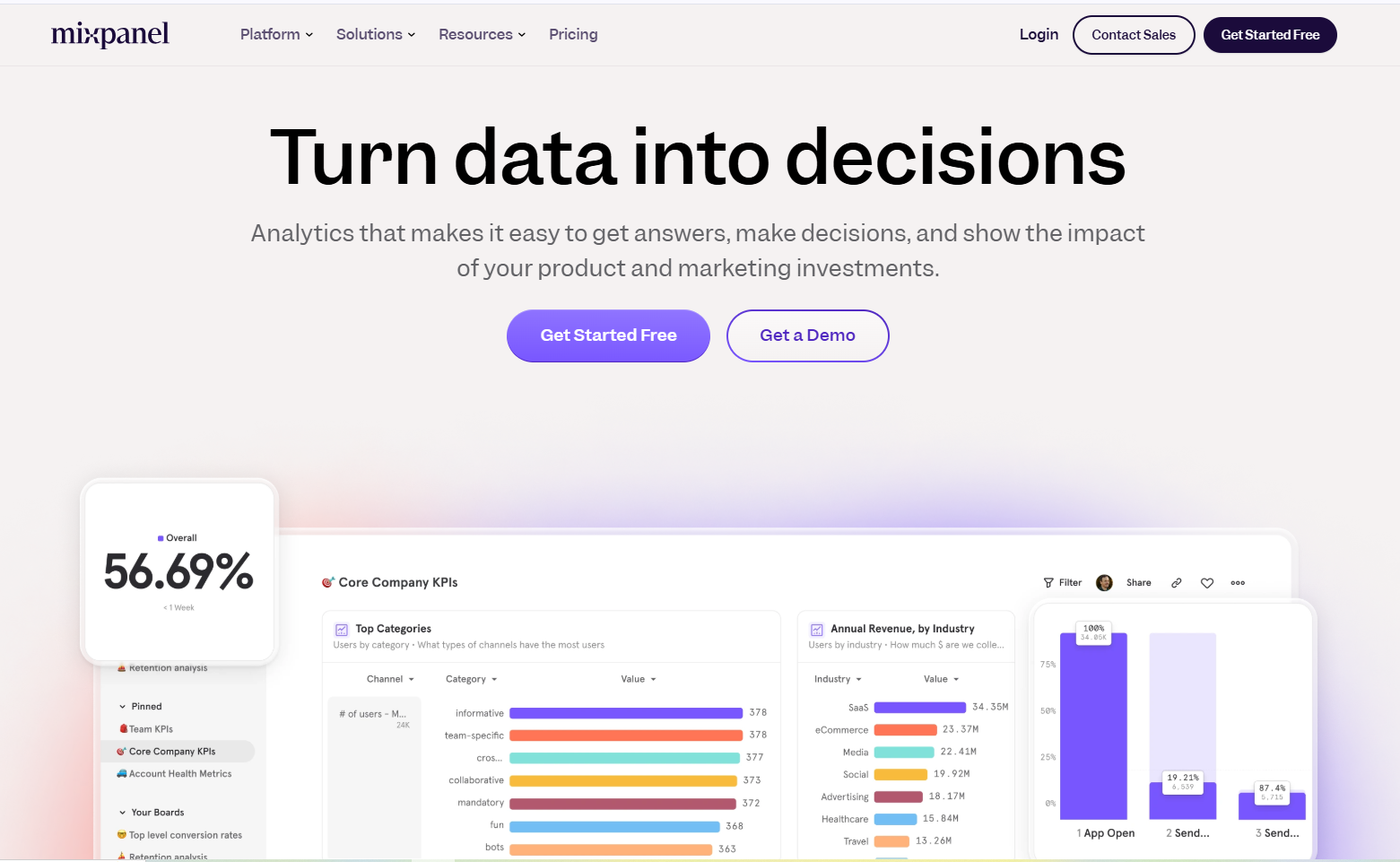
Mixpanel is frequently recognized for in-depth event tracking, funnel reports, and filtering options that segment users. The user interface can require a learning period, and its pricing is of concern too, especially in large-scale deployments. However, the platform delivers strong path analysis and predictive analytics, which some enterprise teams rely on for data-driven growth strategies.
Related: Mixpanel alternative
3. Fullstory
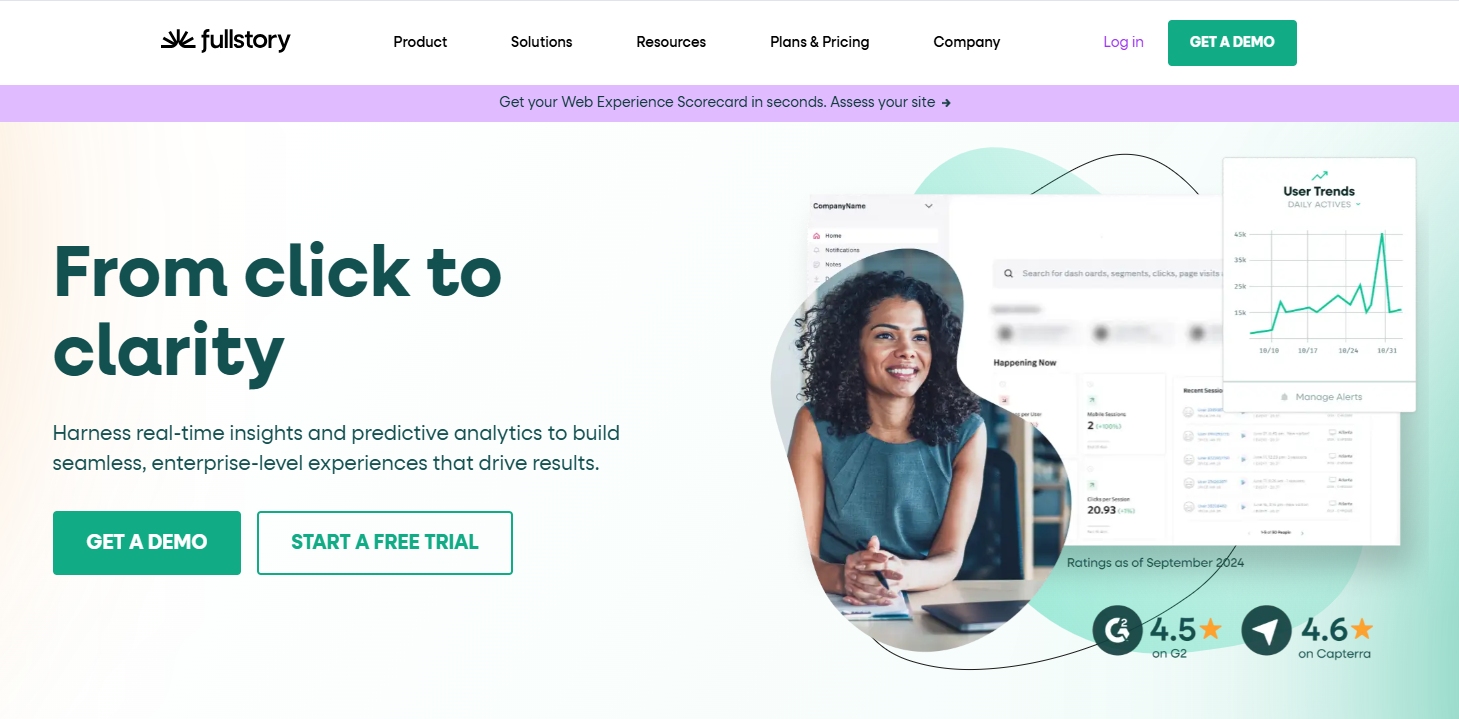
Fullstory focuses on session replay functionality, making it simpler to watch how users navigate your site in real-time. Alongside that replay feature, path mapping and funnel tracking are also included. One of its top perks is the ability to capture every single action on your site, even if you did not manually set up tracking for that event. If your business relies heavily on diagnosing user friction, viewing recorded sessions can pinpoint areas for improvement.
4. Heap
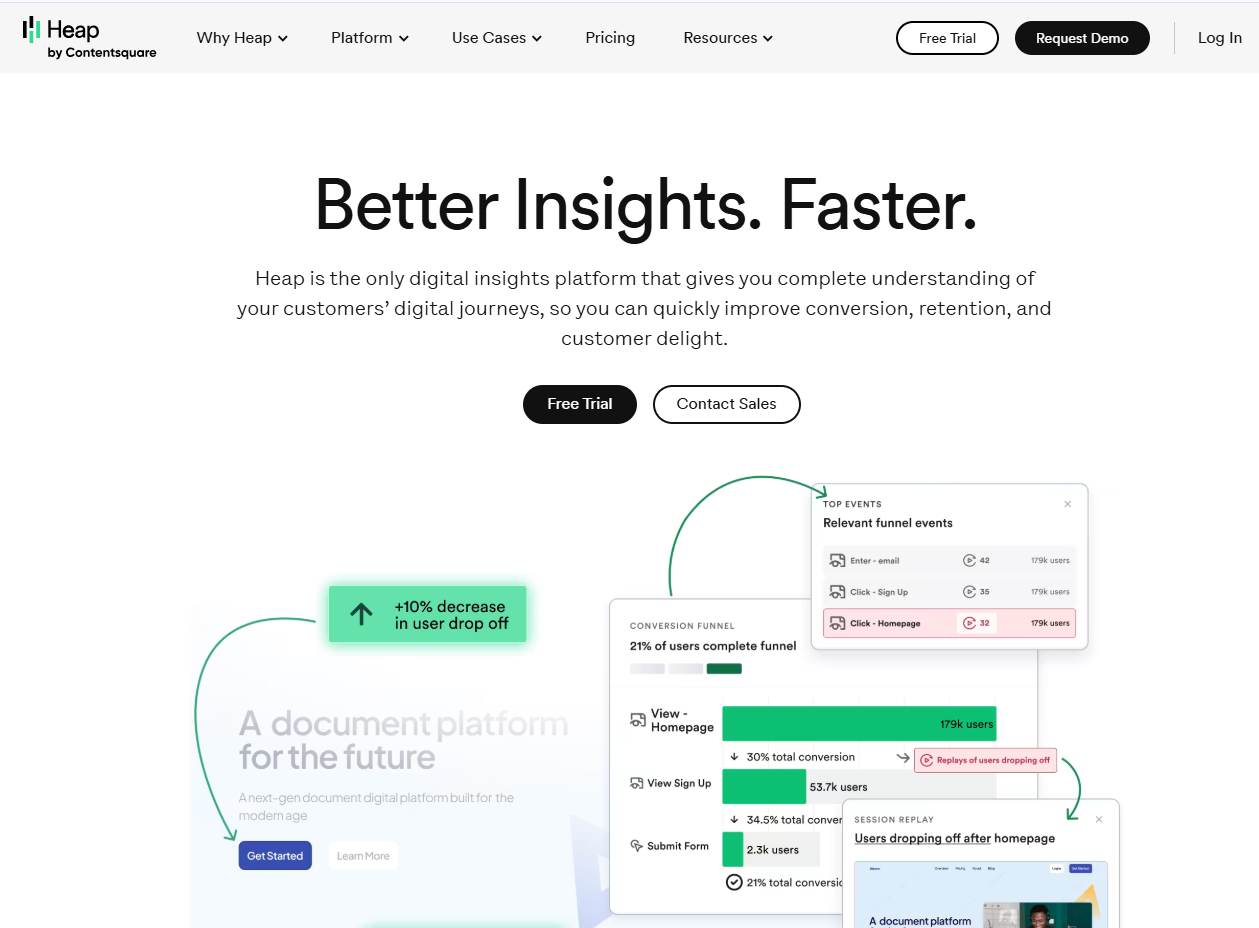
Heap automatically captures every user interaction, similar to Fullstory’s comprehensive style. If you prefer retroactive analysis, you can define events on the fly after the data has been gathered. It also includes a strong set of segmentation tools. Integration with third-party platforms can be done through APIs, so enterprise teams often find it flexible enough to mesh with their existing data flows.
Related: Heap alternative
5. Hotjar
Hotjar is widely known for heatmaps and session recordings. It focuses on understanding website behavior and collecting user feedback through polls and surveys. Mid-market businesses appreciate how Hotjar lets them see precisely which parts of their pages attract the most attention. If your priority is optimization for conversions or user satisfaction, its straightforward interface is a welcome fit.
6. VWO Insights
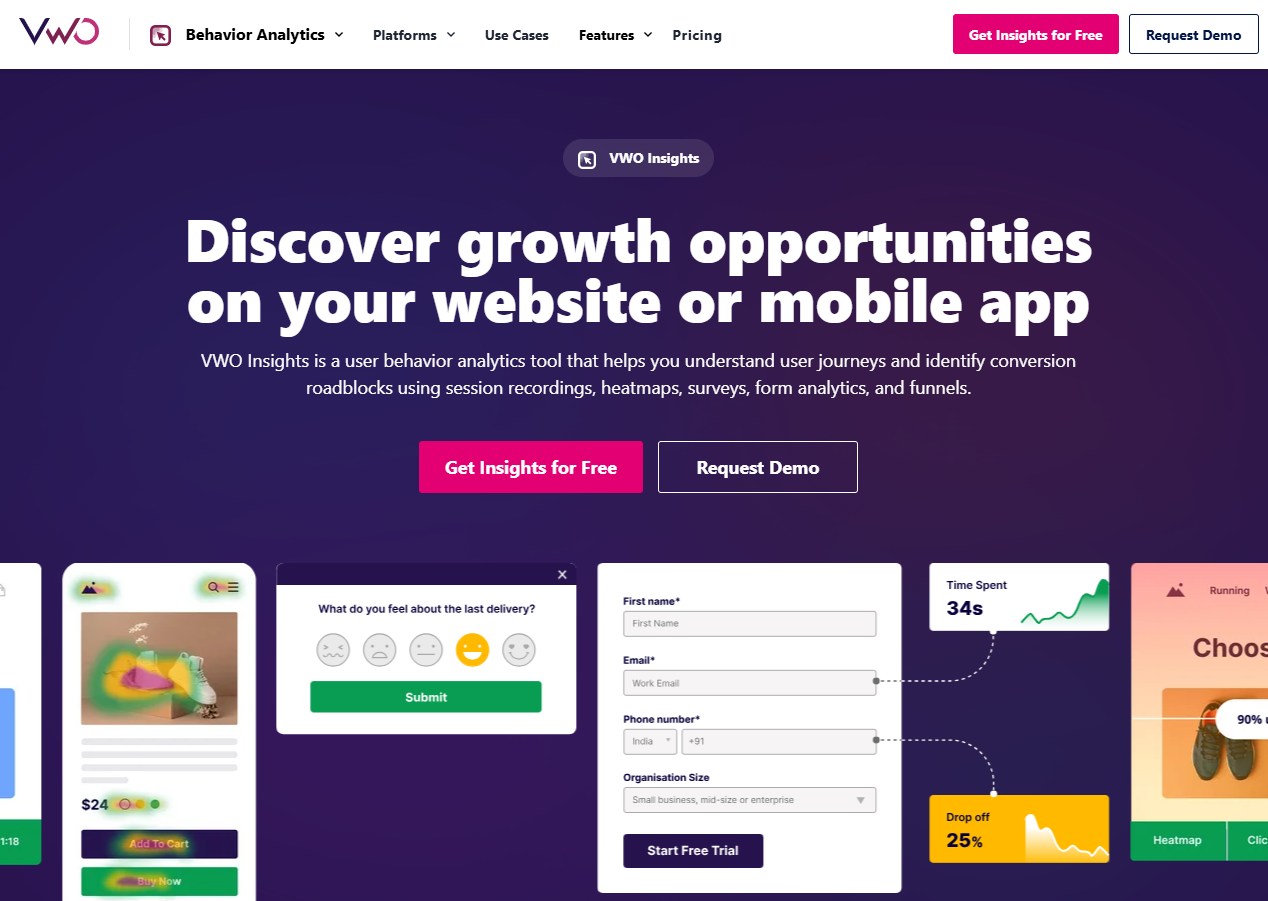
A companion to the VWO testing suite, VWO Insights blends event tracking with testing capabilities. The advantage here is the direct link between analytics and experimentation. If you see that certain steps in your checkout process have a higher abandonment rate, you can run A/B tests immediately to see if a new layout helps. This integration is appealing to teams that continually refine their online funnels.
7. Smartlook
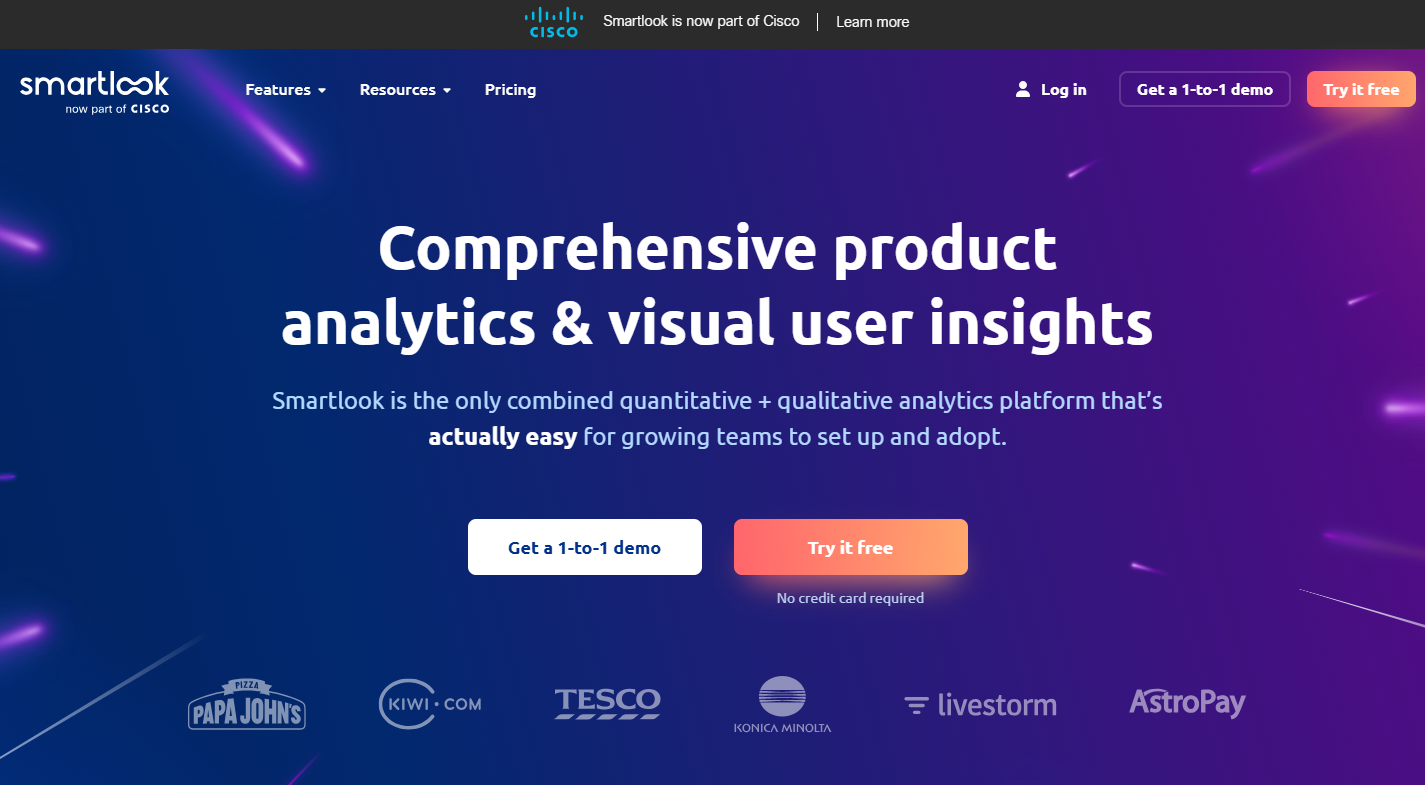
Smartlook offers session recordings, event tracking, and funnel analysis. It has a user-friendly interface that does not demand heavy coding knowledge.
For mid-sized companies, this can make it simpler to onboard new staff and incorporate analytics into everyday operations. Smartlook also supports retention tables, which show how often specific user groups return to your product over time.
8. Crazy Egg
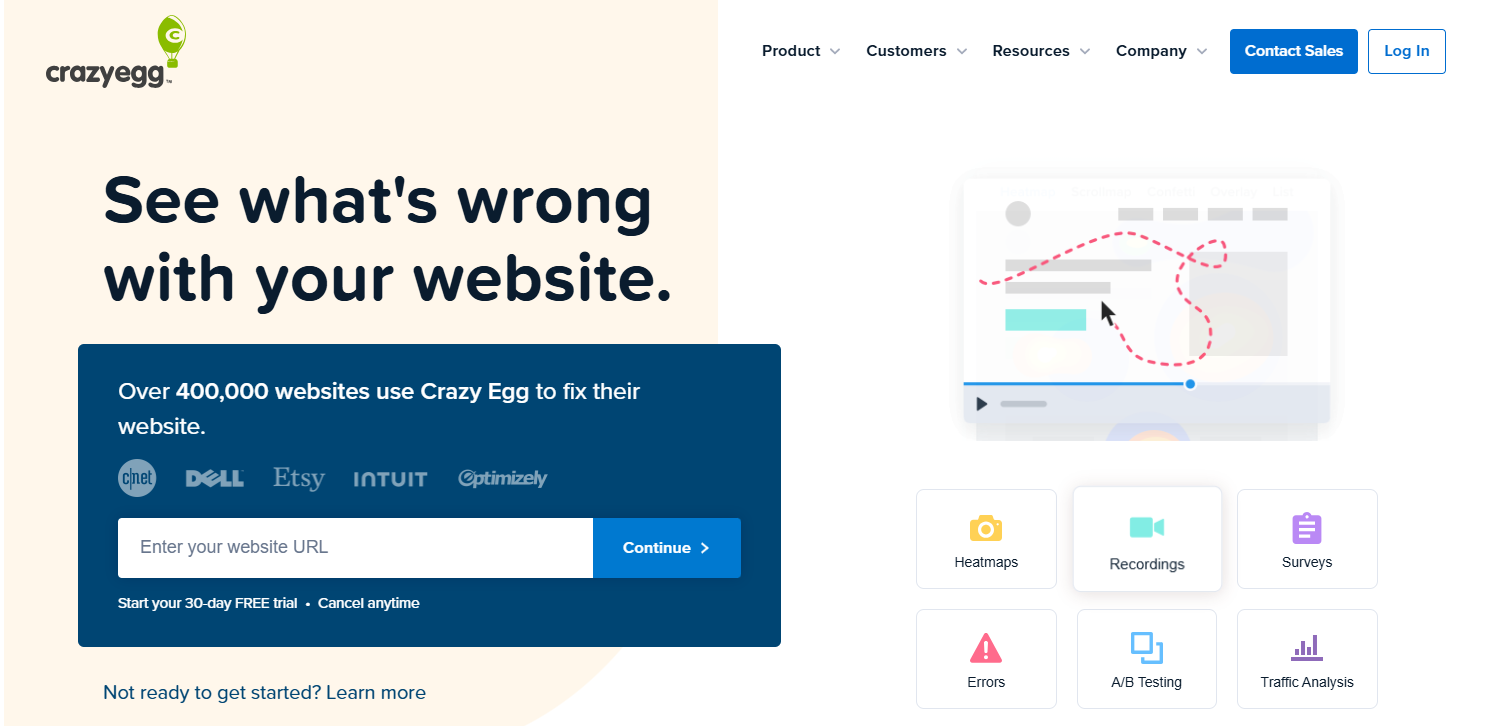
Known for heatmaps, scrollmaps, and A/B testing, Crazy Egg provides a quick way for small businesses to assess their website’s usability. It helps you see which areas of a page are clicked most, where your form fields might be losing people, and how to test subtle changes that lead to better outcomes. Its straightforward setup is well-suited for smaller teams or those without large technical departments.
9. Lucky Orange
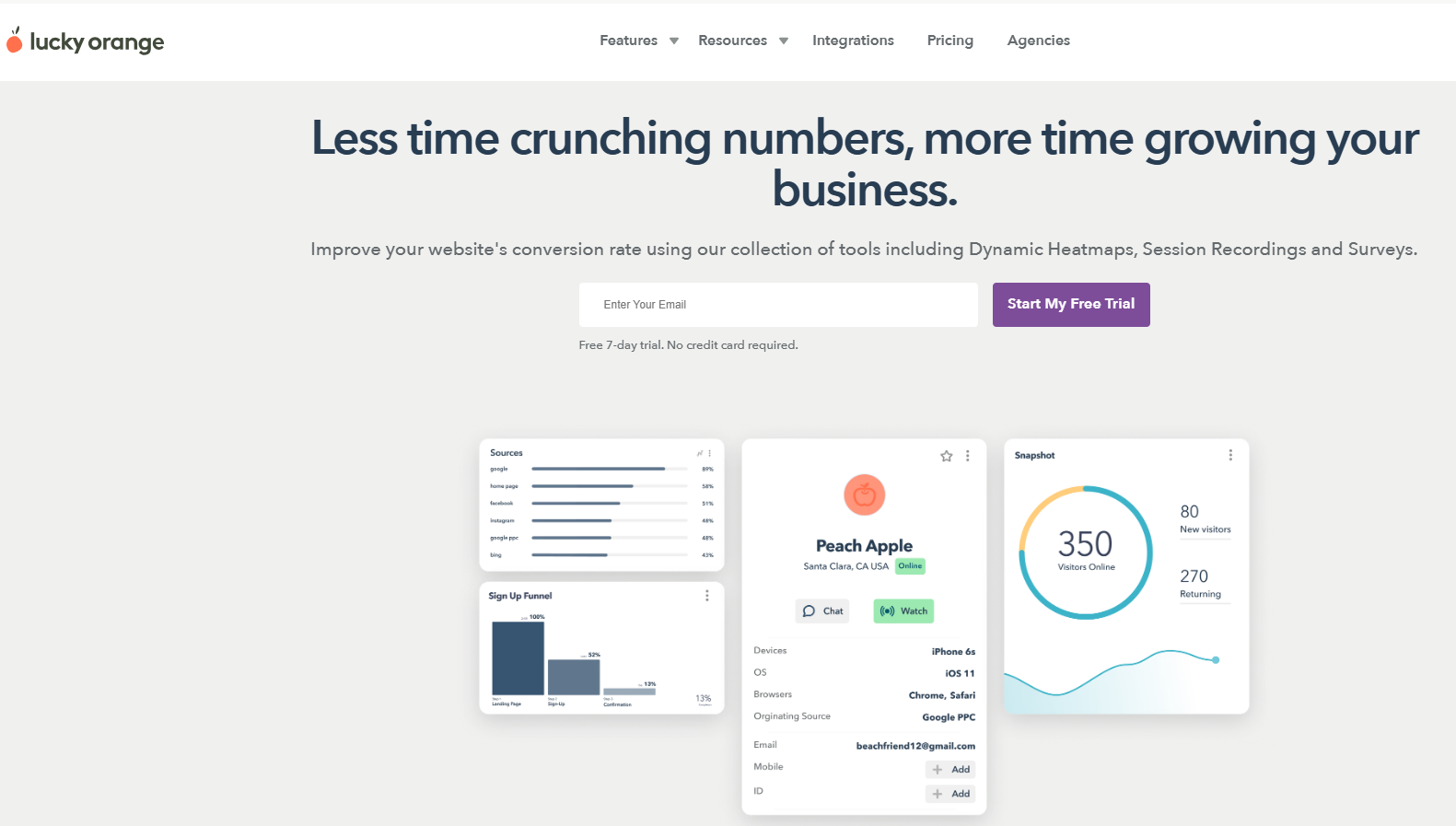
Lucky Orange combines heatmaps, session recordings, and live chat in one system. If you value the ability to watch recorded sessions and step in to chat with visitors, this integrated approach could be appealing. The pricing generally scales to fit smaller budgets, so you do not feel the pressure of enterprise-level costs. While it might not have the range of advanced features some bigger platforms bring, it is enough for a growing startup or a local e-commerce store.
10. Google Analytics 4
GA4 is free, which is a major draw for many smaller organizations. It collects data that can be segmented by user behavior. Although some find GA4 less intuitive than earlier Google Analytics versions, it allows custom events, funnel exploration, and basic user path tracking. For small businesses with limited budgets, it remains a popular starting point. Keep in mind, though, that privacy considerations and data controls are your responsibility, so be sure you understand how to fine-tune your settings.
How to choose the right behavioral analytics software
Picking the right analytics tool can feel like a major decision. You want a platform that matches your budget, integrates well with existing tools, and delivers insights your team can confidently act on. Here are a few considerations to keep in mind:
Budget constraints
Some behavioral analytics tools offer free tiers, though these often limit the number of recorded sessions or events. Depending on your business goals, paying for a more advanced plan might recover its cost through improved customer conversions or better engagement. If you are strictly price-sensitive, start with a small-scale plan and scale up as you see the impact.
Technical requirements
Some platforms require JavaScript snippet installations, event tagging, or specialized knowledge to unlock advanced features. Others, such as Usermaven, place greater emphasis on no-code setups. If your team lacks dedicated analysts or developers, a user-friendly approach can make a big difference. You do not want your system to go unused because it is too sophisticated to handle.
Related: User behavior tracking
Team expertise and support
An intuitive interface is essential when not everyone on the team has a data background. You might also want a platform with active customer support or training resources. A knowledgeable support crew can guide you when setting up more advanced segments or integrating third-party data sources, which boosts the overall value you gain.
Integration capabilities
Check whether the tool can combine data with your existing email marketing systems, CRM, or automation software. Having a cohesive data environment often reveals patterns you might miss if information sits in separate silos, making data governance best practices crucial.
Data privacy and compliance
Privacy rules keep rising to the forefront, with the General Data Protection Regulation (GDPR) in Europe and the California Consumer Privacy Act (CCPA) in the United States. Businesses should look for marketing attribution platforms that support privacy-compliant measurement practices. Usermaven provides cookieless tracking and privacy-conscious data collection approaches that help teams maintain attribution visibility while remaining aligned with regulatory requirements.
Read more about: Behavioral analytics tools
Conclusion
Behavioral analytics enables a more precise view of how individuals engage with digital products. Over time, the data it provides allows you to remove confusion, deliver a better user experience, and create offerings that resonate with your audience. That holds true for small businesses just starting out, dynamic mid-market organizations, and large corporations needing advanced segmentation.
When you evaluate platforms, think about how much support and technical effort you can invest, what kind of metrics mean the most to your goals, and whether you need formal compliance guidelines. By selecting the most effective tool for your use case, you set the stage for consistent improvements in how visitors and customers interact with your digital presence.
[user_segments]
Leave a Reply